Pai Digital

Stitchreel Studio v3.6 · browser video editor

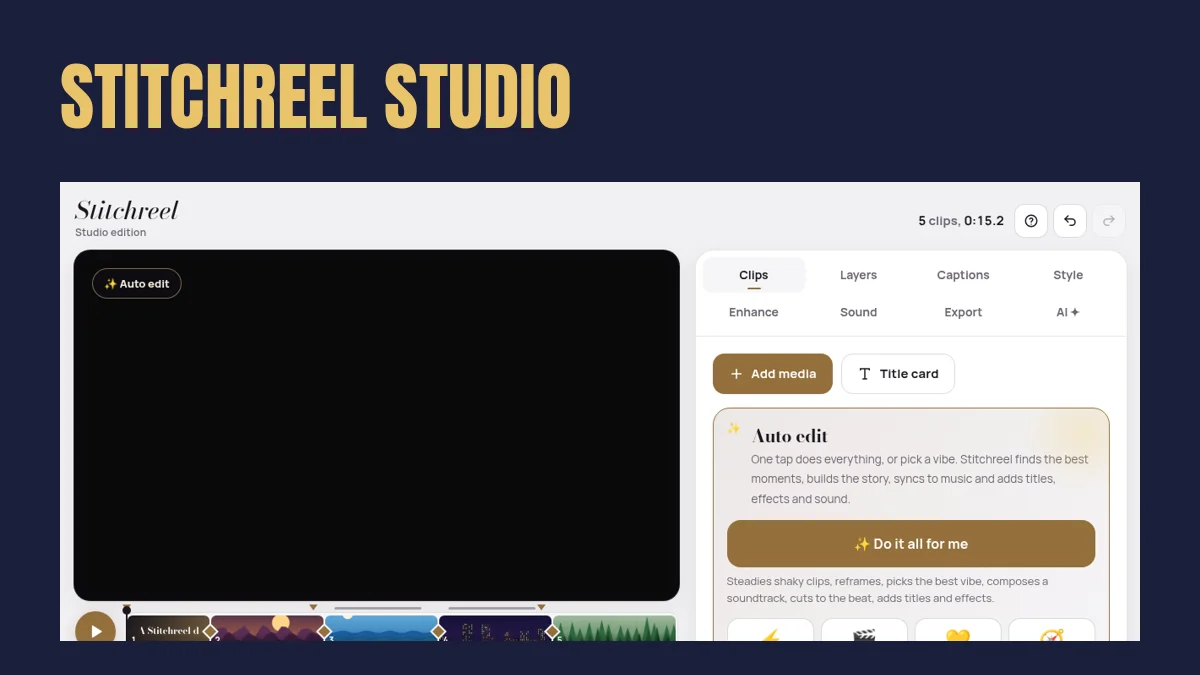
Your clips, joined into one reel.

You have 20 clips from the weekend and no time to learn a pro editor. Stitchreel builds a first cut with Auto edit, then you fine-tune titles, captions, transitions and music. Exports happen on your device.

  • Auto edit + vibes
  • Effects + transitions
  • Captions SRT/VTT
  • Export MP4 / WebM / GIF

$4 USD/month · $40.80/year · $99 lifetime · 7-day refund policy

Real Stitchreel Studio demo project

Who it's for

Editing a 30-second reel shouldn't take an evening

Trimming, ordering, adding a title and some music is where most short videos stall.

Stitchreel's Auto edit makes a first cut you can change: reorder clips, pick a vibe, add captions and export.

Good fit if

  • You make short videos for family, a small business or social
  • You edit on a computer in Chrome or Edge
  • You want your clips to stay on your device

Not a fit if

  • You need a pro timeline editor or licensed song library
  • You only edit on a phone and need fast exports
  • You need HEIC photo support

How it works

3 steps

  1. Add media

    Videos and photos from your computer or phone.

  2. Tap Auto edit

    Pick a vibe (hype reel, travel vlog, memories…); it builds a first cut with titles and synth music.

  3. Fine-tune and export

    Change clips, captions, transitions and sound, then export MP4, WebM or GIF.

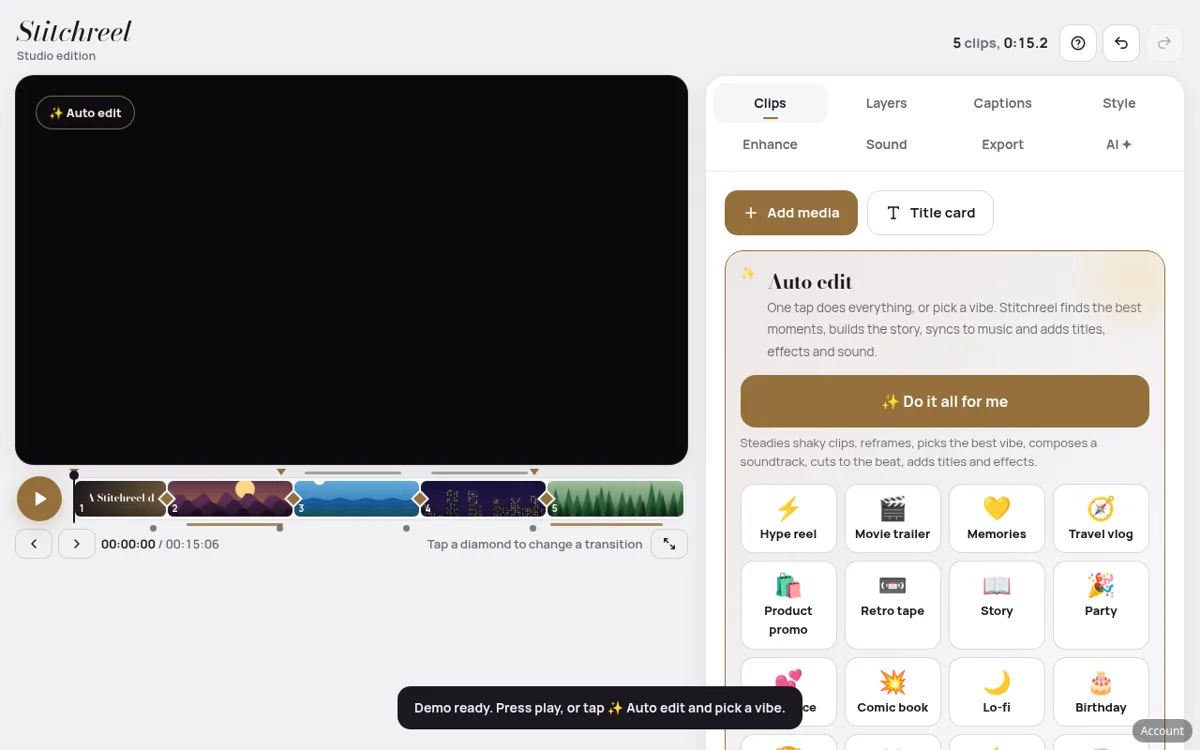
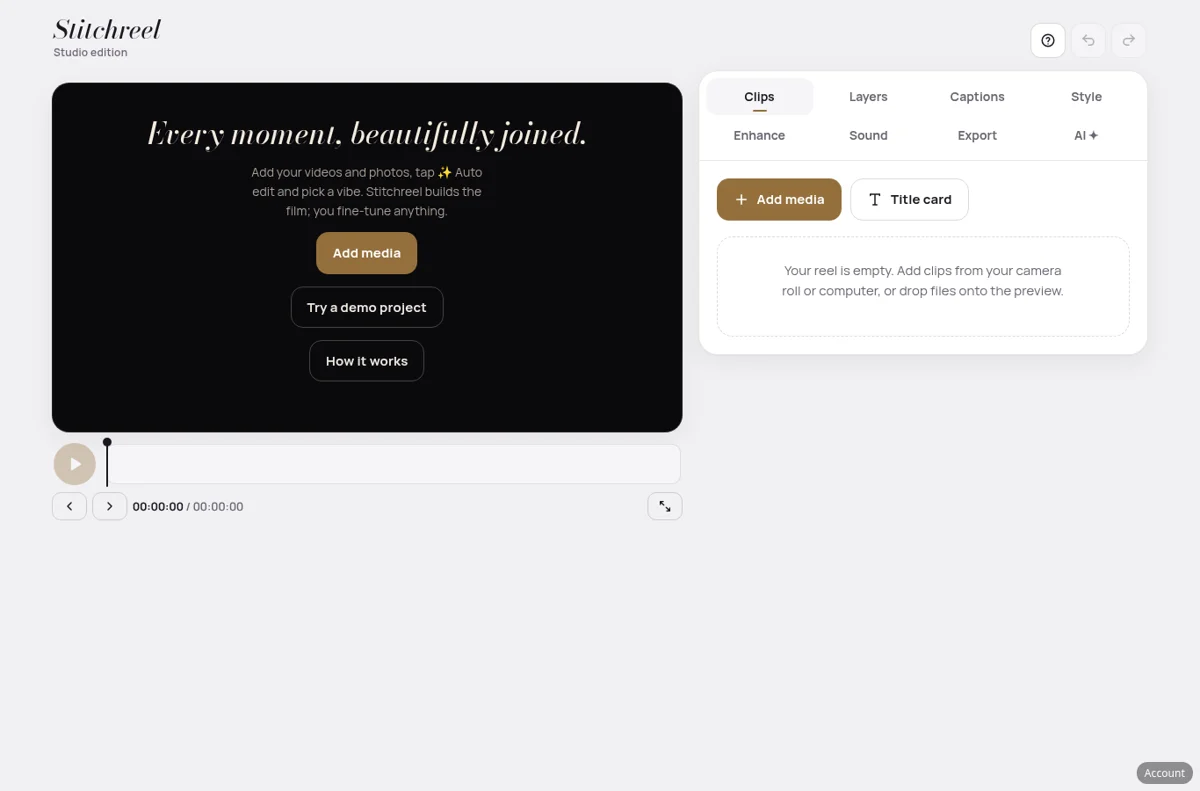
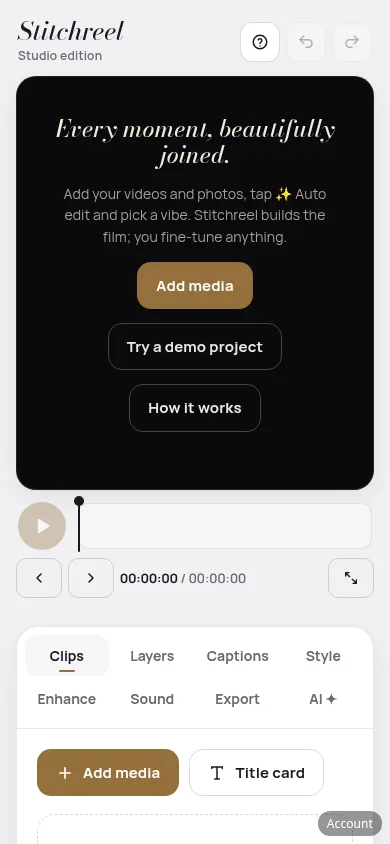
Genuine screenshots

What it actually looks like

Real screens from the hosted app (demo project), desktop Chrome and phone width.

Exact contents

What you get

  • Editing: clips, layers, keyframes, chroma key, 72 effects, 80 transitions
  • Sound: synth music composer, voiceover recording
  • Captions: add, style and import/export SRT and VTT
  • Export: MP4, WebM or GIF (up to 4K where the browser supports it), project files and autosave in your browser
  • Optional: AI assistant with your own provider key

Compatibility & setup

Before you buy

Devices: Best in desktop Chrome or Edge; Safari and phones work but export more slowly

Delivered as: Hosted web app with your own login

Setup: After checkout you get a login to the hosted Stitchreel web app. Use it in desktop Chrome or Edge for the fastest exports.

Honest limits. Music is a simple synth composer, not a song library. HEIC photos aren't supported. Smart pick is not vision AI. Optional AI features need your own provider key.

Pricing (USD)

Pick a plan

Same product on every plan. Monthly and yearly check out on Gumroad (cancel anytime). Lifetime is a one-time Payhip purchase.

Monthly

$4

USD per month. Cancel anytime.

Start monthly: $4Secure checkout on Gumroad

Yearly

$40.80

USD per year, about 15% less than 12 monthly payments ($48).

Start yearly: $40.80Secure checkout on Gumroad

Lifetime

$99

USD, one payment, no renewals. Pay once and keep access to the hosted app.

Get lifetime: $99Secure checkout on Payhip

7-day refund policy: if your purchase is unused, corrupt or materially misrepresented, email paidigitalstore@gmail.com within 7 days. Questions before you buy are welcome.

Free gift

Get the free 30-Second Reel Recipe

A shot list, captions checklist and export checks for a 30-second vertical reel, plus 15 auto-edit vibes.

Get it free

FAQ

Questions about Stitchreel Studio

Are my videos uploaded?

No. Editing and export happen in your browser on your device. Optional AI features send content only to the provider whose key you add.

Does it work on a phone?

Yes, but phones and Safari export more slowly. Desktop Chrome or Edge works best.

Is the music royalty-free?

The built-in composer makes simple synth music for you; it isn't a library of songs.

Is it like CapCut?

It's a simpler browser editor. It doesn't have every pro feature, and it isn't an app-store app.

Refunds?

7-day refund if your purchase is unused, corrupt or materially misrepresented. Email paidigitalstore@gmail.com.

Not sure this fits your needs? Ask Pai Guide.

You might also look at

Stitchreel Studio
from $4/month · $99 lifetime
See plans