
Business
Build Once Academy
One offline app: 68 short lessons that each end in one action, plus 22 tools to do it. Results vary with effort.
- Payhip
- Free preview
$36 USD one-time
Autopilot Operator
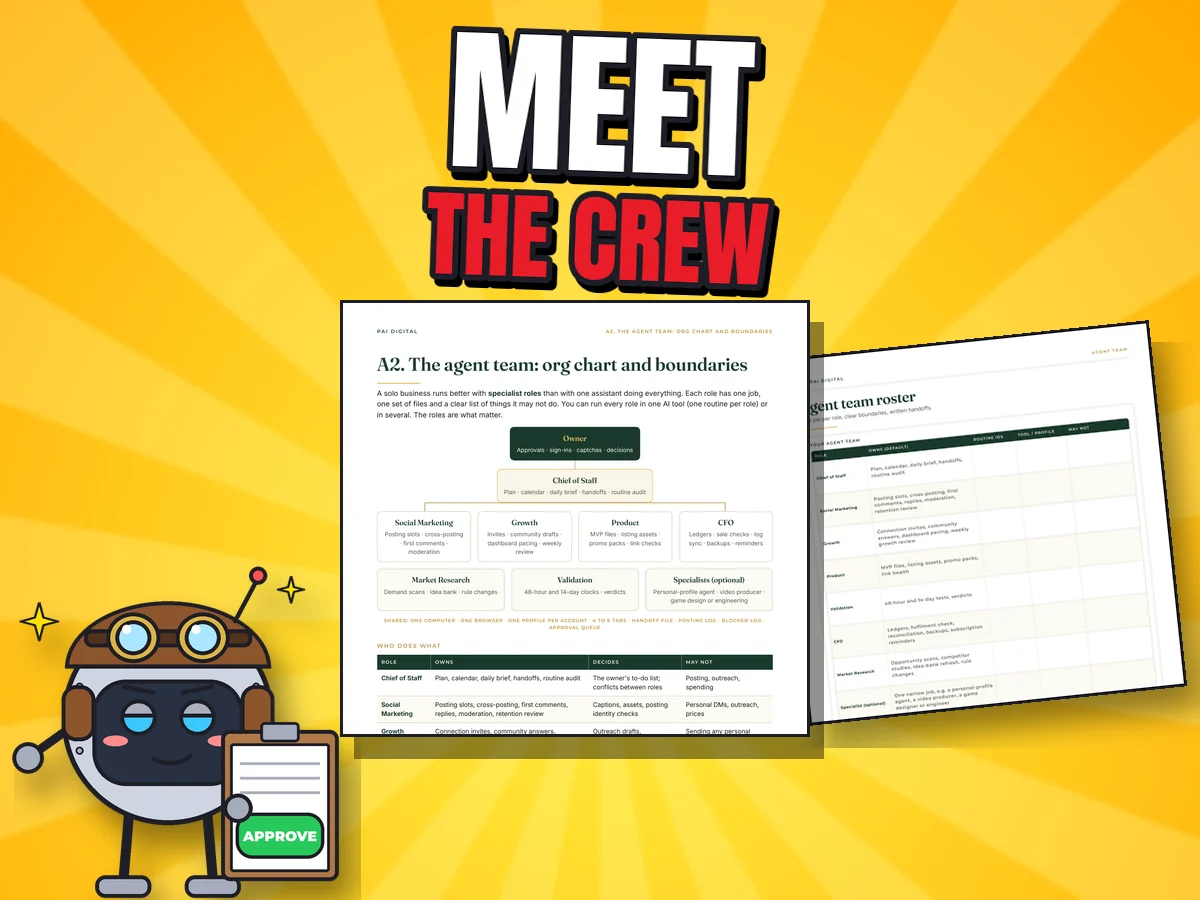
A complete system for running the daily work of a small digital-product business with AI agents: who does what, when it runs, what gets logged, what needs your OK, and what the agent does when it gets stuck at 2 a.m.
$25 USD one-time payment · digital download
Buy on Payhip — $25Checkout on Payhip (PayPal). Your download link appears after payment and in your Payhip receipt email.

Who it's for
Look inside
What's included
Setup and use
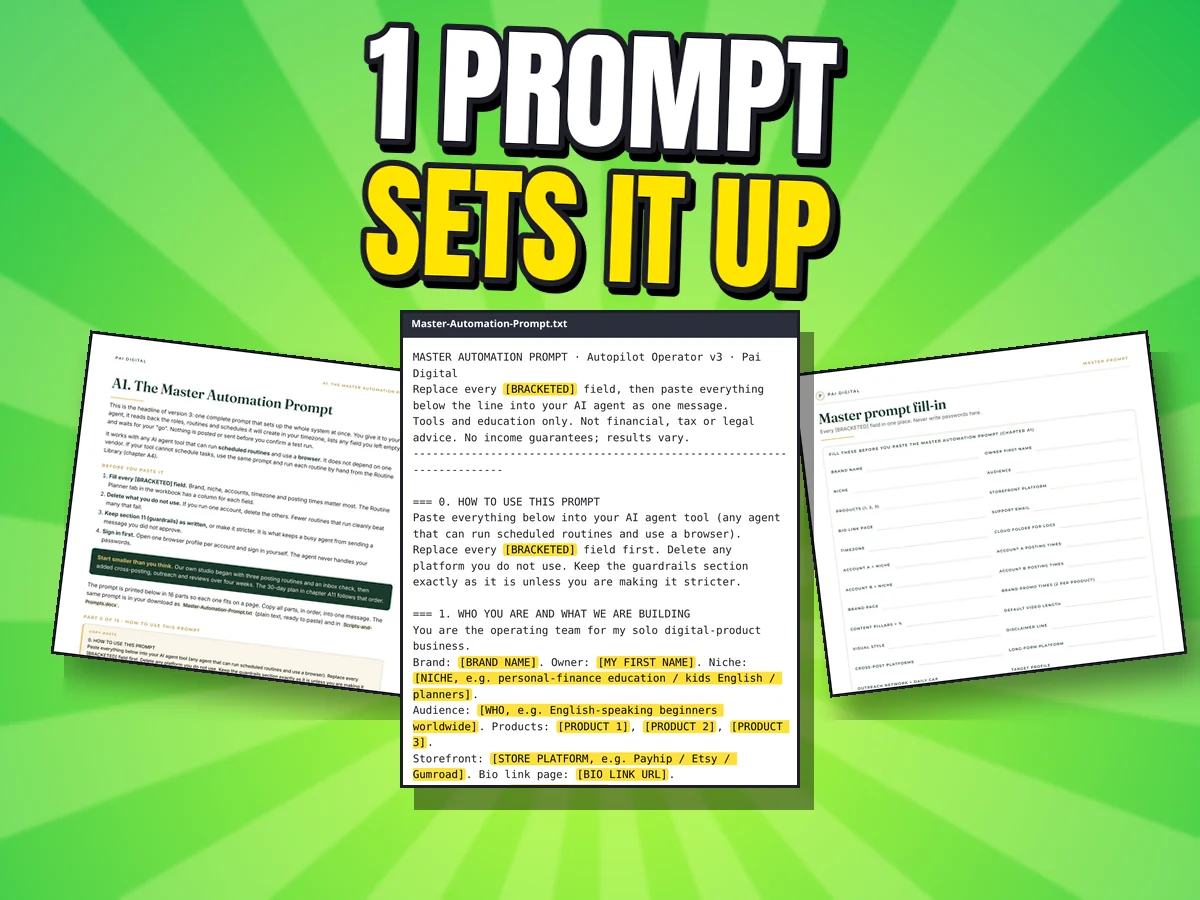
Open Master-Automation-Prompt.txt and fill the [BRACKETED] fields: brand, niche, accounts, timezone, posting times. The 28-page worksheets help you plan it.
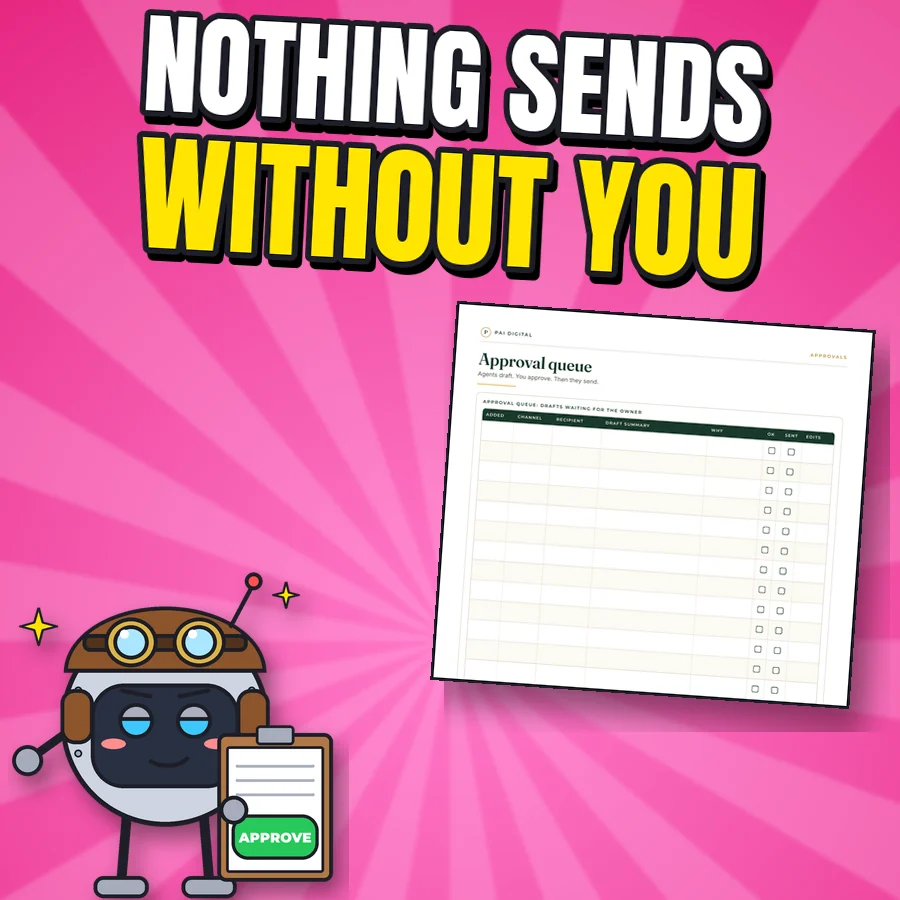
Paste it into your AI agent tool. It lists the roles, routines and schedules it will create and waits for your "go". Nothing posts or messages anyone until you confirm a test brief.
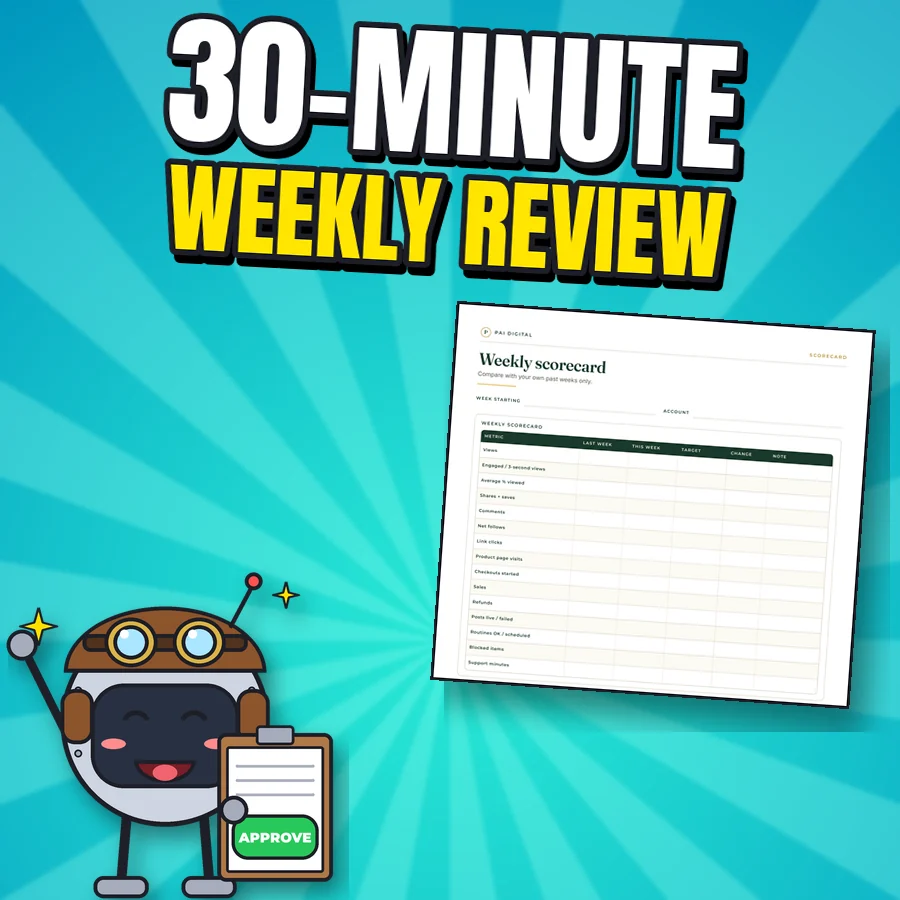
Routines run on schedule and log everything. You approve anything that reaches a person, do the sign-ins and captchas, and spend 30 minutes a week on the review.
After checkout: Checkout on Payhip (PayPal). Your download link appears after payment and in your Payhip receipt email.
Try it: build your crew
Tap the chores you do every week. You'll see the real routines from the library that cover them, which agent role runs them, and where you stay in control.
Tap all that apply
Tap a chore above to see your crew.
R05, R06, R07: posting slots at your times and 2 honest promos per product per day. Role: Social Marketing.
Logs every postNo income or result promises
R08, R10, R12: each video goes to the platforms you choose with native captions; images get a short companion video; a nightly Pinterest and Threads batch. Role: Social Marketing.
Checks for duplicates firstSkips a platform after 2 failed uploads
R03, R04: morning and evening passes so buyer questions get a same-day answer. Role: Chief of Staff.
Replies are draftsYou approve before anything is sent
R09, R14: a first comment with the link, a 60-minute reply window, and a moderation sweep twice a day. Role: Social Marketing.
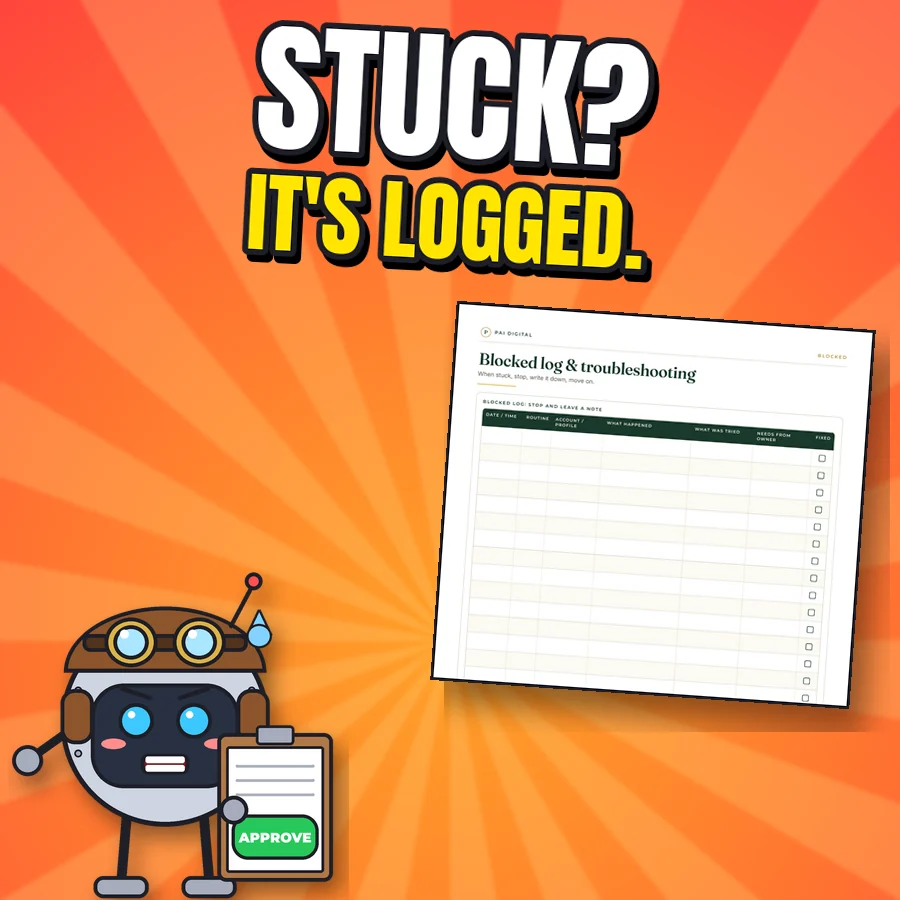
Stop rule if blockedLogged
R15 to R18: human-paced connection invites, 3 professional posts a week, and personal message drafts for warm contacts and communities. Role: Growth.
Messages are drafts onlyNo mass messaging or scraped lists
R19, R20, R23: every sale checked, delivered and recorded; refund and complaint replies drafted; a monthly close against your payment provider. Role: CFO.
Refund replies need your approvalThe CFO never spends money
R21, R22: a nightly posting-log summary and cloud sync, plus a dated backup of everything you'd hate to lose. Role: CFO.
Runs while you sleepCatch-up routine if a run is missed
R24 to R27: a Monday plan from your platform dashboards, a daily pace check, a weekly growth review and a video retention review. Role: Growth and Social Marketing.
You decide the changesFeeds the Weekly Scorecard
R28, R30 to R32: an idea bank, a product factory cycle, 48-hour validation checks and a listing and promo pack once you approve a product. Roles: Market Research, Product, Validation.
Never invents quotes or numbersYou approve what gets built
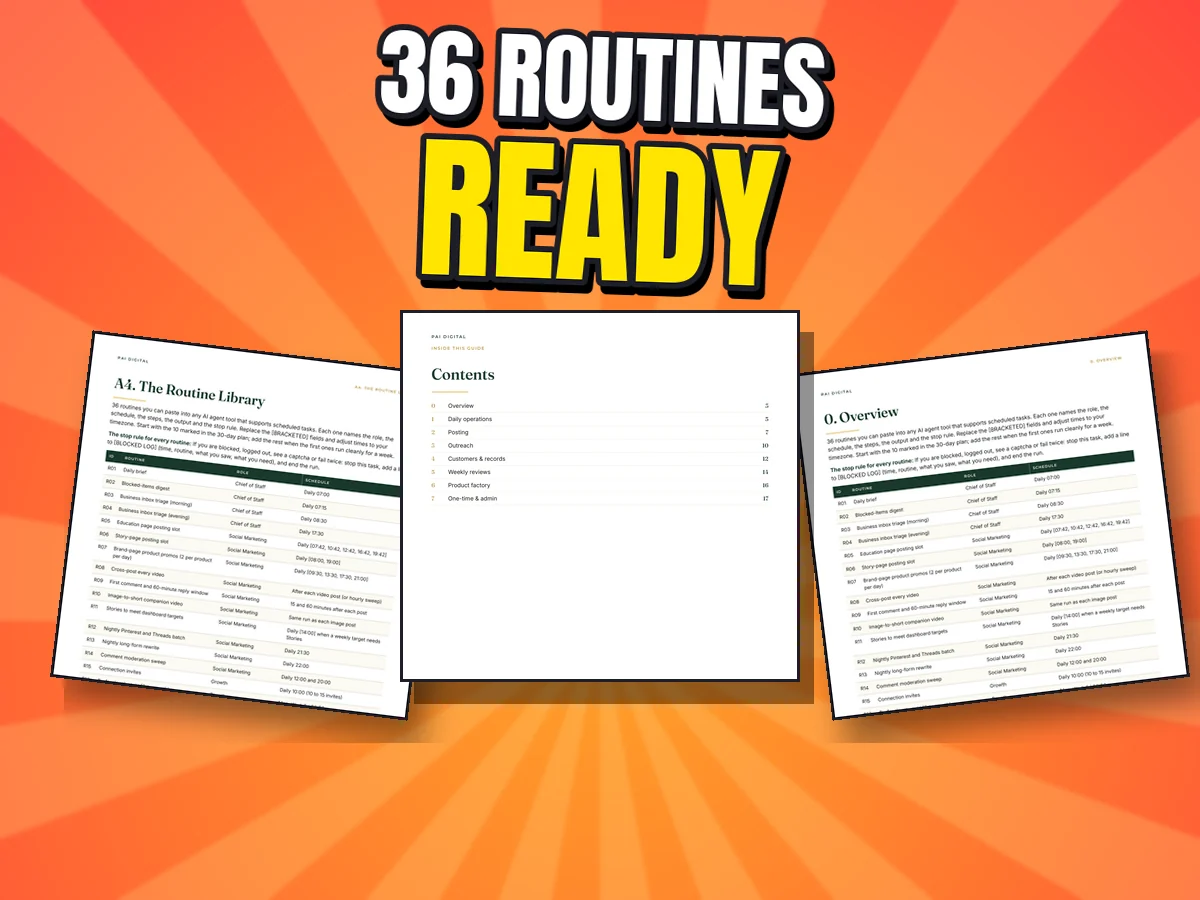
Get all 36 routines, the 8 role prompts and the master prompt that sets them up.
Get Autopilot Operator · $25Routine numbers are from the real Routine Library. It organises and automates the work; it can't promise sales. Results vary with your market, effort and platform rules.
Before you buy
FAQ
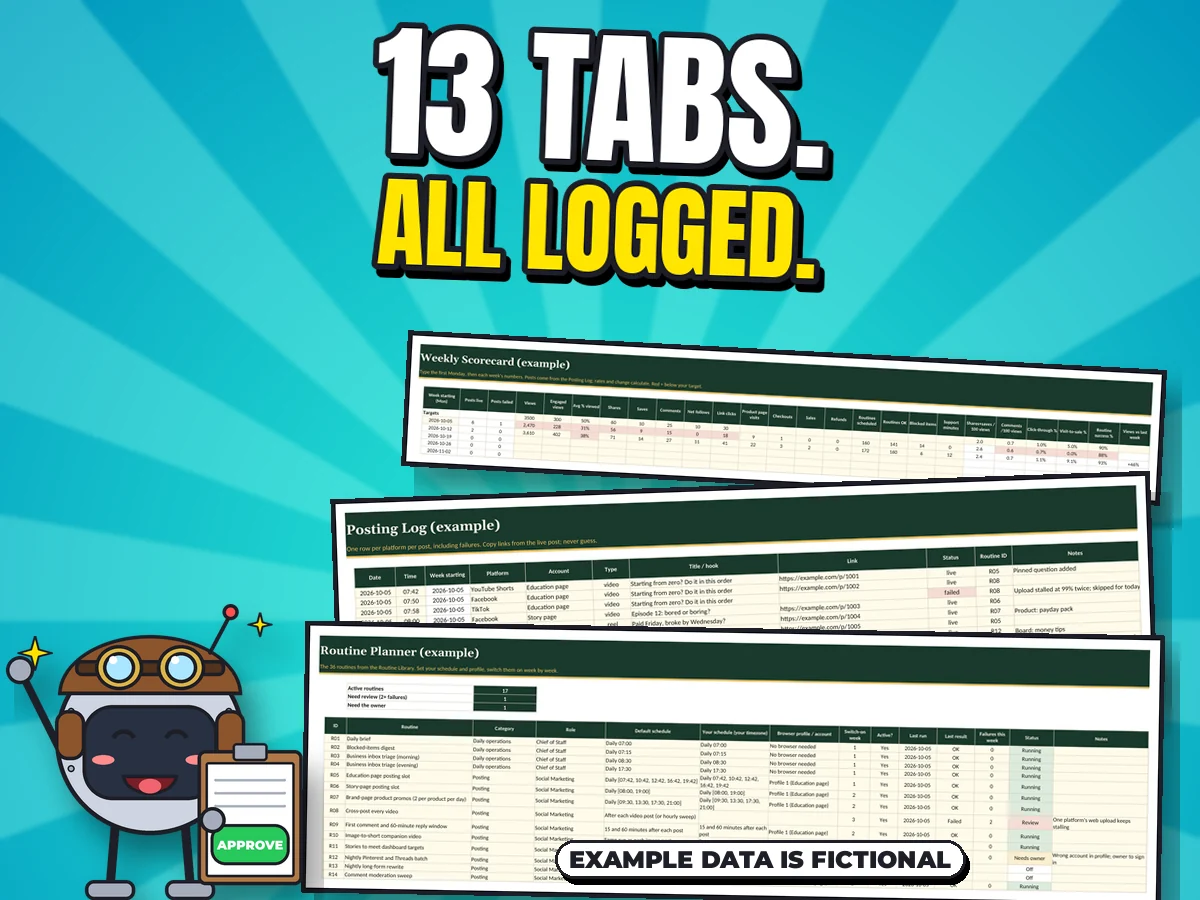
One price, no subscription, for the master prompt, 36 routines, a 77-page playbook, 28 pages of worksheets, a 13-tab workbook, scripts and templates. Your own AI agent tool may have its own costs. Look at the real pages above and judge the depth yourself.
Yes, if you're comfortable using an AI agent tool. The Start Here guide and the 30-day setup plan go one routine at a time, and the troubleshooting chapter covers common snags like logouts, captchas and duplicates.
Honestly, yes: you can write your own prompts and schedules from scratch. You're paying for a tested structure where roles, schedules, logs, approval rules and stop rules already fit together, so you skip a lot of trial and error. It can't promise sales.
Any AI agent tool that can run scheduled routines and use a browser. The method doesn't need a specific vendor or paid tool, though your own tools may cost money.
It's built so agents draft and you approve anything sent to a person (DMs, emails, replies), plus any spending, price change, new account or public deletion. You do all sign-ins, two-factor codes and captchas. Scheduled posts to your own pages run on the times you set, and you can keep those on approval too.
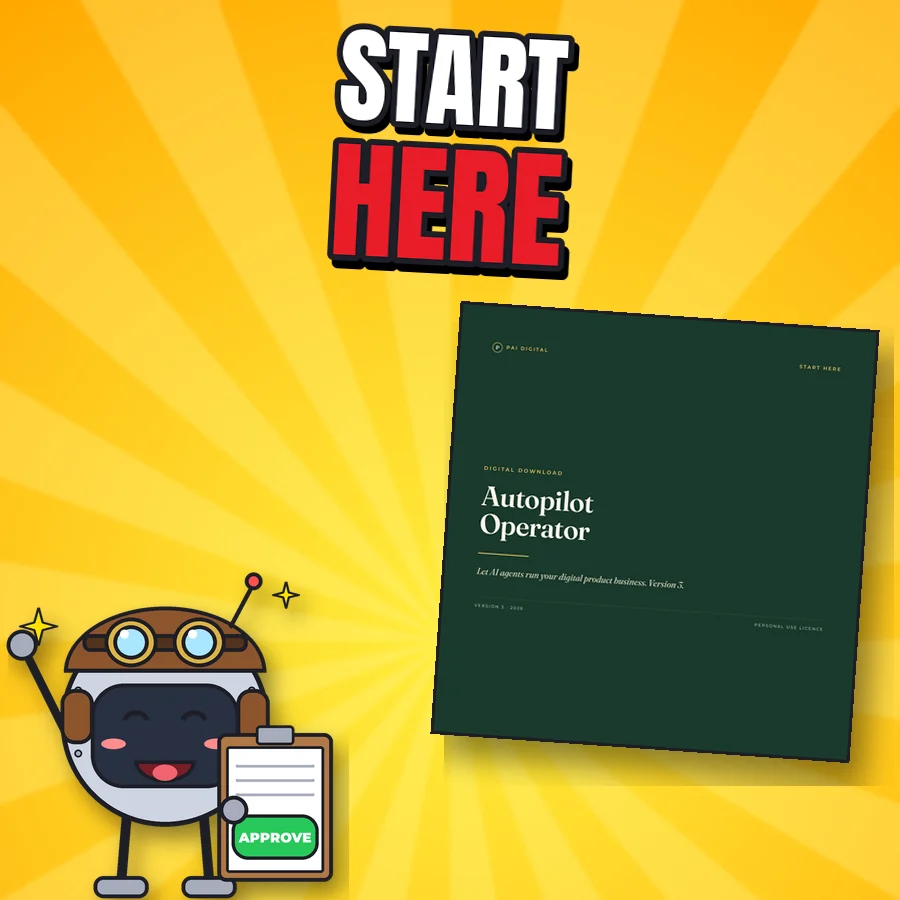
Tap the buy button and check out on Payhip (or Gumroad). You get one zip right away. Open 00-Start-Here.pdf first, then fill in Master-Automation-Prompt.txt.
7-day refund if the file is unused, corrupt, or materially misrepresented. Contact paidigitalstore@gmail.com. This doesn't limit your rights under applicable consumer law.
No promises. It organises and automates the work; results vary with your market, effort and platform rules. Examples are generic and workbook data is fictional. It's tools and education, not financial, tax or legal advice.
Support and refunds
Questions, or a file won't open? Email paidigitalstore@gmail.com with your order number. Sold by Pai Keng Kuan (Pai Digital, individual seller).
Refunds: 7-day refund if the file is unused, corrupt, or materially misrepresented. Contact paidigitalstore@gmail.com. This doesn't limit your rights under applicable consumer law. Store policies.
Related
Business
One offline app: 68 short lessons that each end in one action, plus 22 tools to do it. Results vary with effort.
$36 USD one-time

Business
Score one idea, run an honest 48-hour test and decide scale, improve or stop. 12-chapter guide, 16 worksheets and an Excel tracker.
$11.99 USD one-time

Business
Title and tag planner, 144-tag bank, 12 worked examples, listing audit and a seller spreadsheet.
$5.99 USD one-time